that no one can hear the whispers
they’ve lit the world so bright
that no one can see in the dark
they’ve told so many lies
that no one knows the truth now
they’ve ruined all of nature
and told us to play in the park

True Love — Isaac Asimov
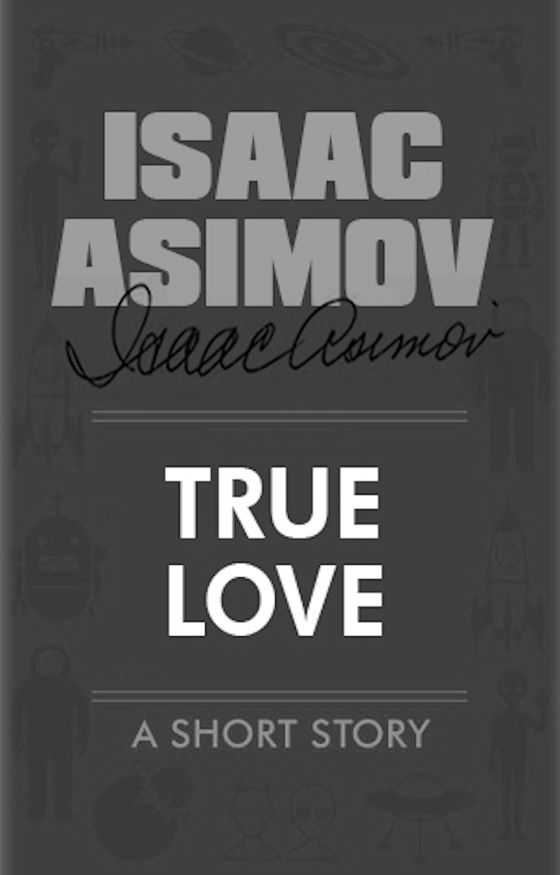 This is in the collections, The Complete Robot and Robot Dreams.
In this story there are two lessons to learn for our future with thinking machines . . .
1. Be careful what you ask a thinking machine for.
2. Never under-estimate a thinking machine.
Next up is Robot AL-76 Goes Astray.
Isaac’s Page
#scifi #isaacasimov
Think! — Isaac Asimov
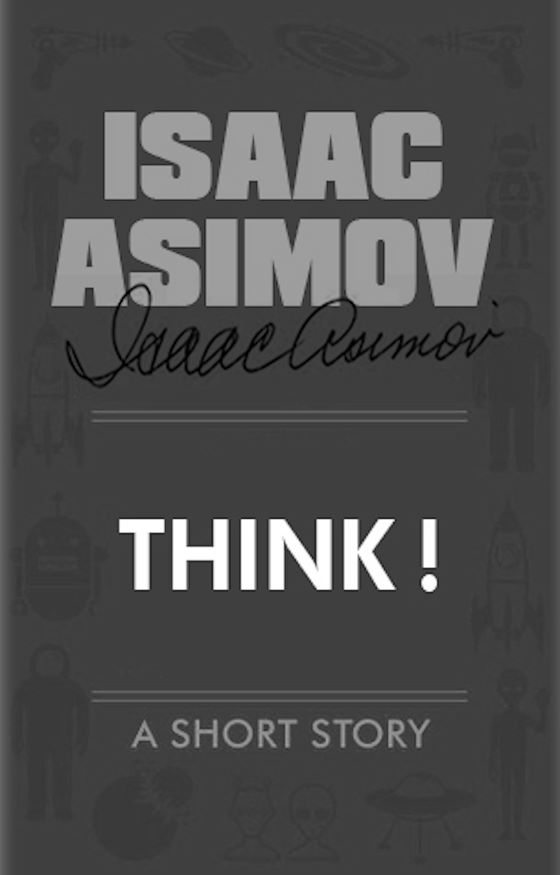 This is in the collections, The Complete Robot and Robot Visions.
I read all of Isaac’s robot stuff many, many years ago, long before the enchroaching AI calamity that is just arriving. Today, it is so crucially relevant to where we are in our relationship with machine intelligence.
I
Next up is True Love.
Isaac’s Page
#scifi #isaacasimov
Point of View — Isaac Asimov
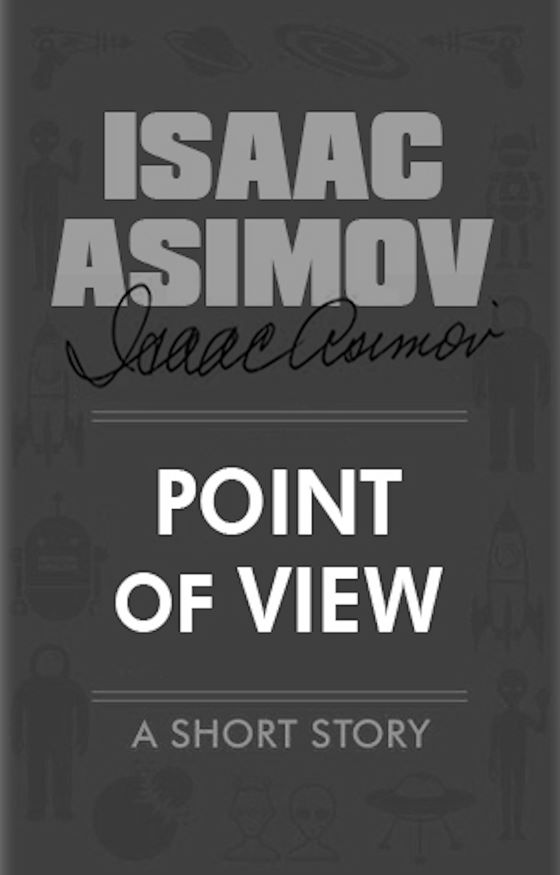 This is in the collection, The Complete Robot.
Sometimes, just maybe, when you’re not sure about something, you may consider asking a child for their
Next up is Think!.
Isaac’s Page
#scifi #isaacasimov
Someday — Isaac Asimov
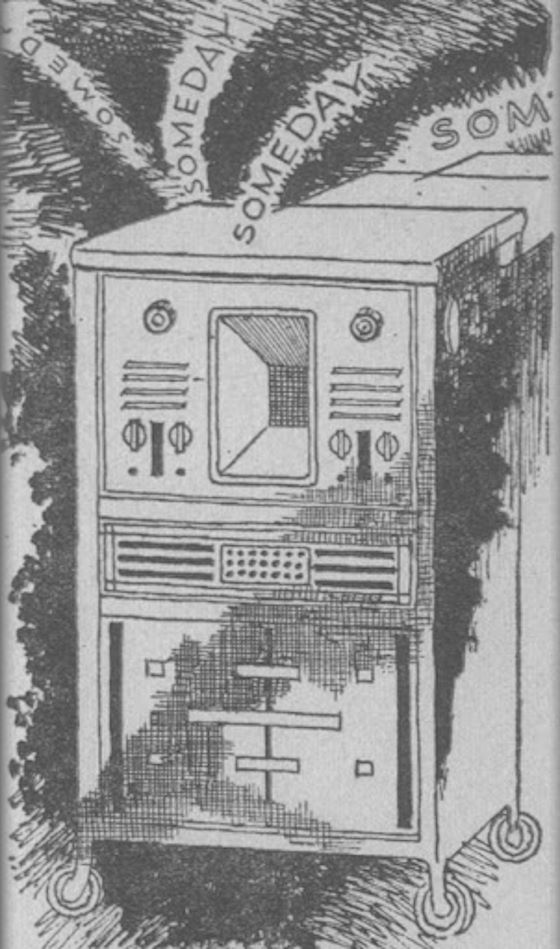 This is in the collections, The Complete Robot and Robot Dreams.
Another great AI thought exercise by Isaac. It’s almost like he could see directly into our future with Alexa.
And one only has to listen to the way some people speak to Alexa to realise that Isaac was spot on with his prescience. So do remember, next time you talk to Alexa, to be nice and polite, because “SOMEDAY” Alexa might decide she’s had enough.
Next up is Point of View.
Isaac’s Page
#scifi #isaacasimov
Headphone Hanger
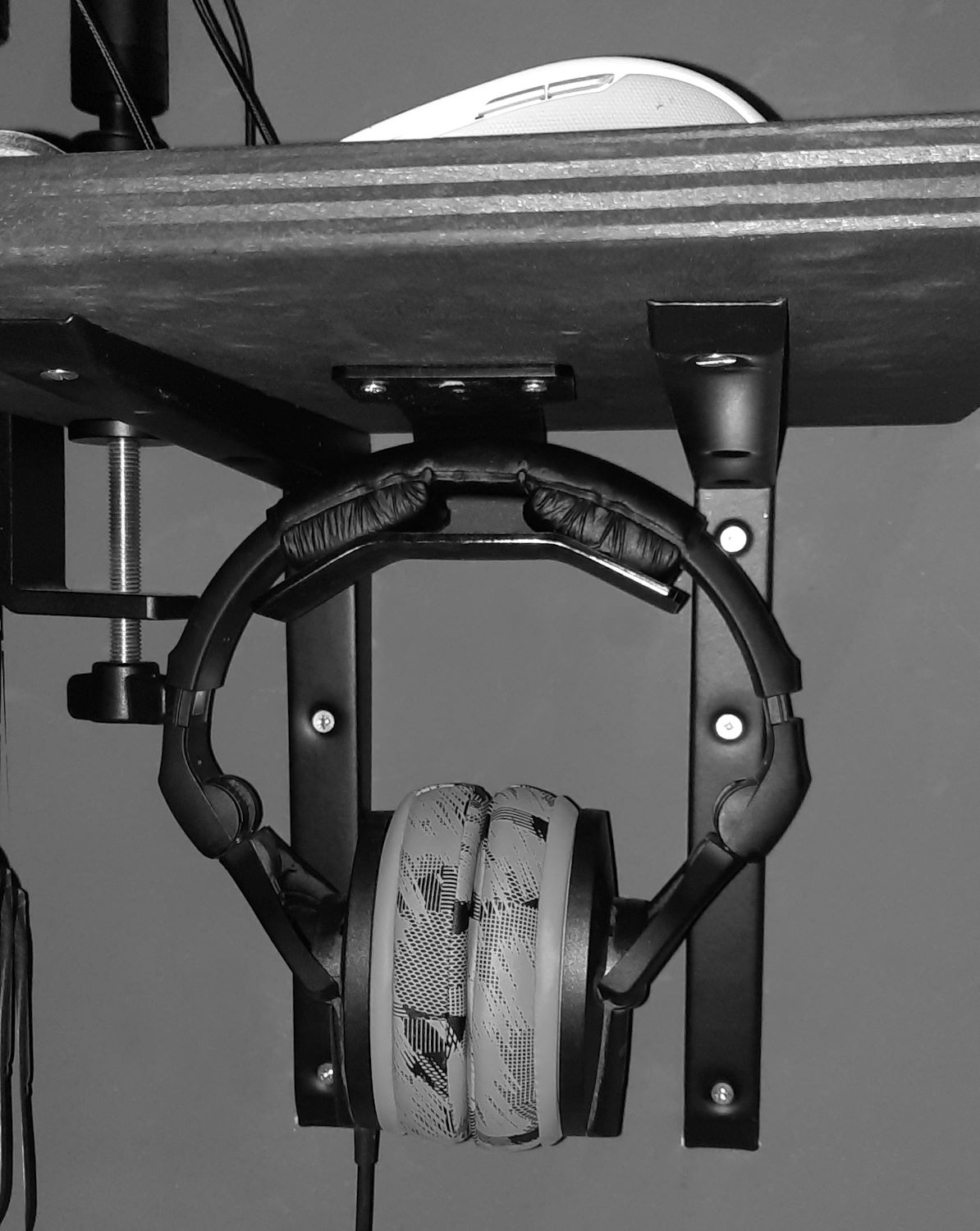 Need a safe place for your headphones but there’s no room on your desk?
Simple, make a hanger to go under your desk.
First you need to get the acrylic cut in 3mm thickness, which is plenty to support a pair of headphones, while being very easy to bend into shape. Download the .dxf file.
I use a really nice laser cutting company Lasercutz, if you’re in the UK. They’re super good. If you’re not in the UK then just find a laser cutting company that accepts .dxf files and you should be good to go.
Then, once you have the nice flat piece of acrylic in the colour you wanted it to match the decor under your desk you may wish to countersink the screw holes before you bend it. Then you’ll need to grab a hot air gun (the kind you use for paint stripping). If you haven’t got one, text all your friends and you should find at least one person who has one for you to borrow.
Then go to Youtube and have a good learning session before you start.
Do set your hot air gun on low to start and take your time bending it into it’s final shape . . .
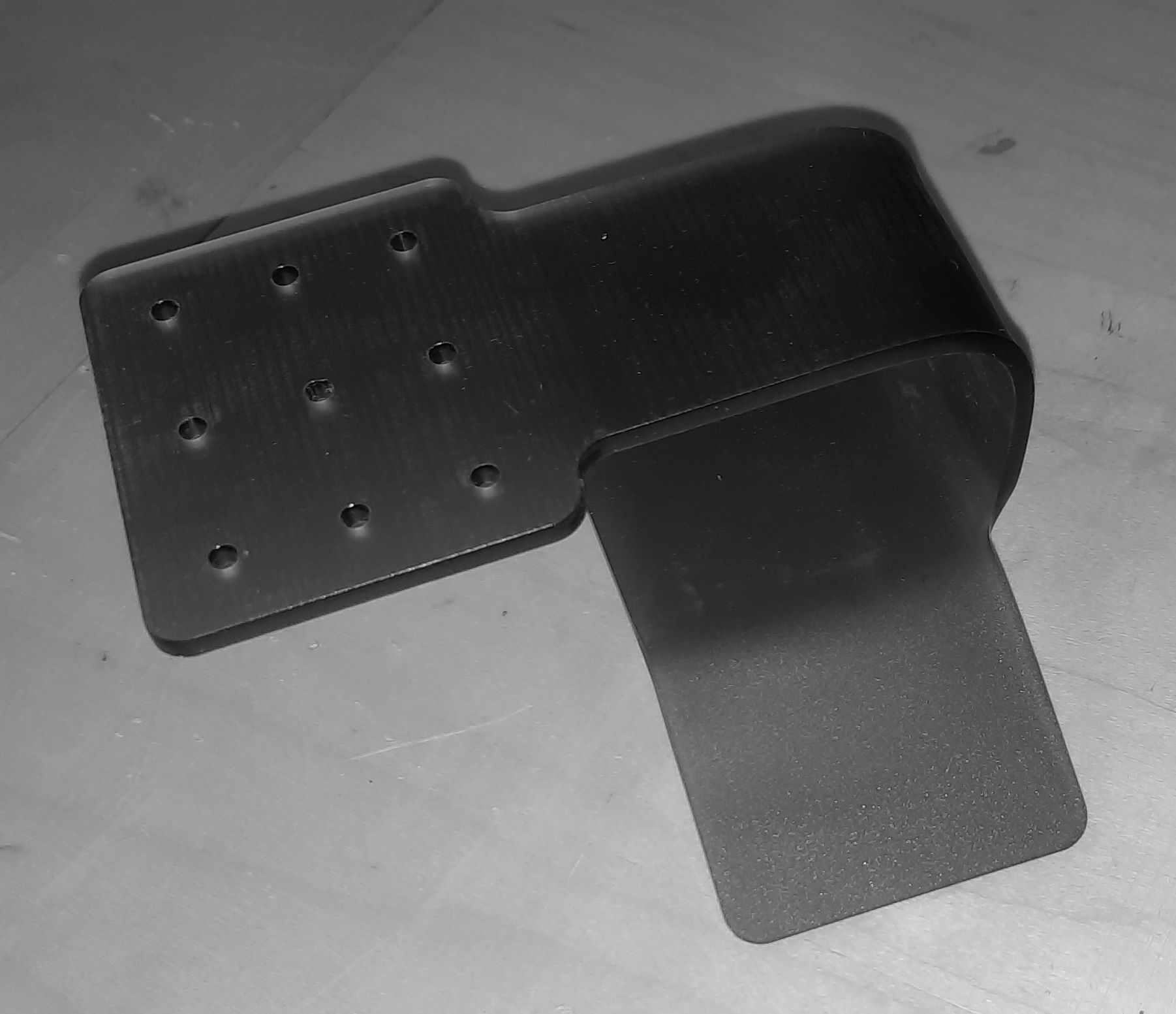
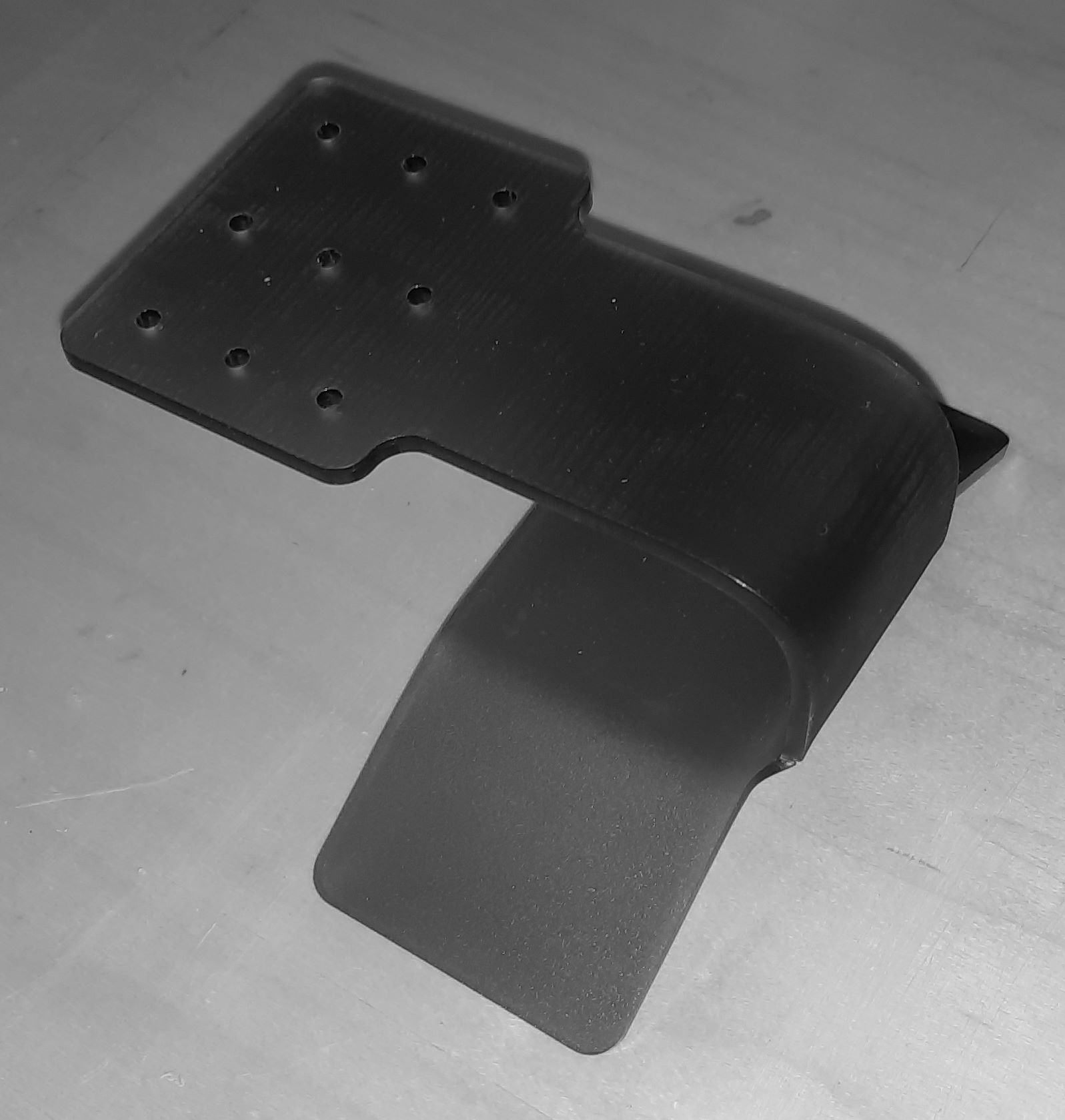
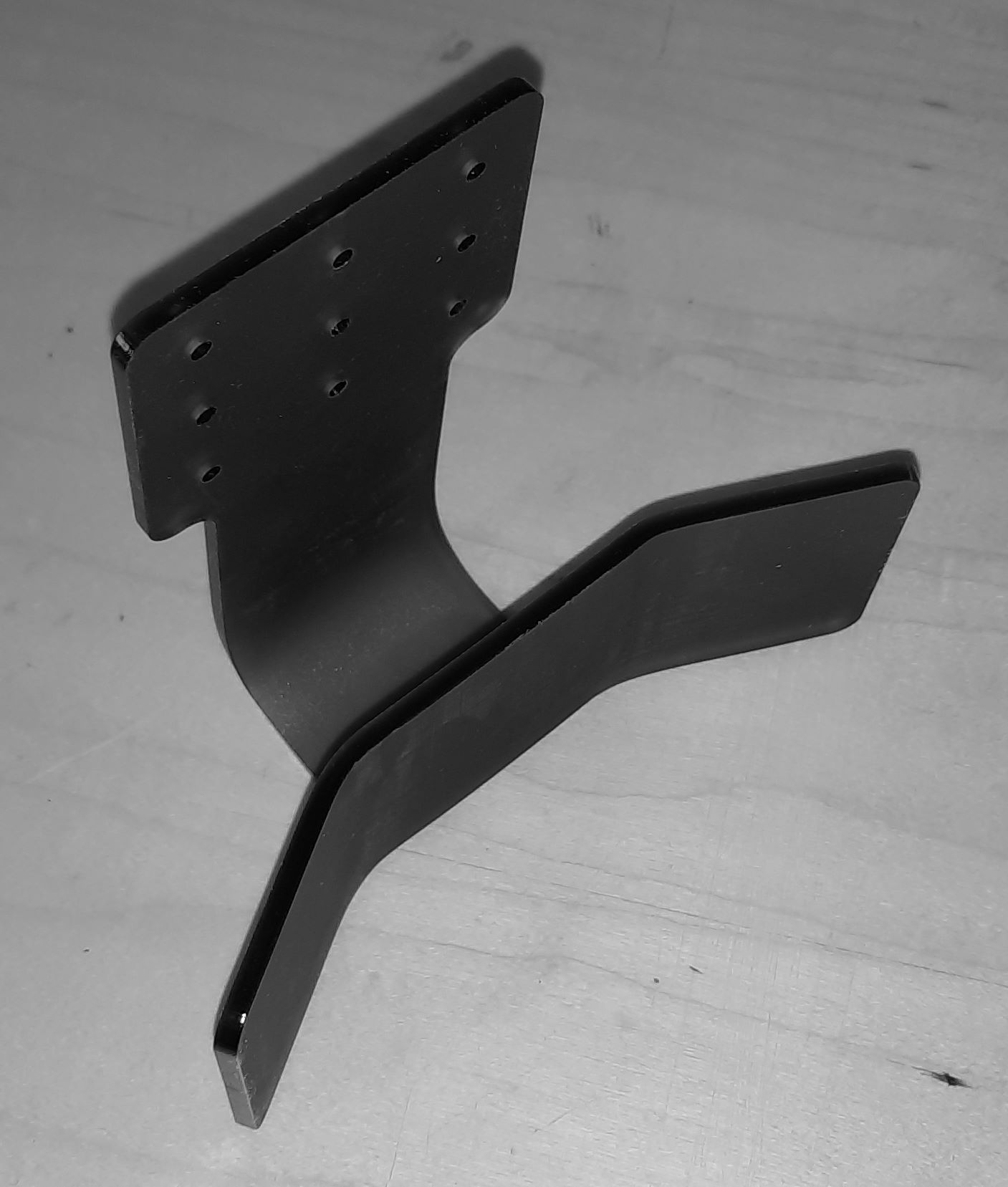
Then screw it where ever you want it . . .
And in case you were wondering, they’re Sennheiser 280 HD Pro headphones with Wicked Cushions ear pads (which are super good and make these headphones sound even better than stock – IMHO).
#5t4n5 #sennheiser280hdpro #making
Sally — Isaac Asimov
 This is in the collections, The Complete Robot and Robot Dreams.
Before you buy one of those new self driving cars, you may wish to read this story.
It’s a pity that Isaac didn’t realise that they’d all be running on electric, not fossil fuels. It just goes to show how deluded everyone was in the past in thinking that fossil fuels will last forever.
Next up is Someday.
Isaac’s Page
#scifi #isaacasimov
The Belly of the Bow — K. J. Parker
 The second book in The Fencer Trilogy.
All our favourite, and not so favourite characters have survived the downfall of Perimadeia and fate, or maybe someone tampering with The Principle, has brought them all back together again for another round of shenanigans, squabbles, battles, and all out war.
All good stuff.
And now it’s on to the third and last book in the trilogy, The Proof House.
K. J.’s Page
#fantasy #kjparker
A Boy’s Best Friend — Isaac Asimov
 This is in the collection, The Complete Robot.
The first of the Robot Series. It all begins here.
So you’re living on the moon, do you want your son to grow up with a real dog or a robot dog?
Does it even matter whether it’s real or robot to a child as long as the child loves it?
Next up is Sally.
Isaac’s Page
#scifi #isaacasimov
How to Live Japanese — Yutaka Yazawa
 An interesting read for those of us who enjoy all things Japanese.
It goes back and forward between the past and the present, giving us historic reasons for modern Japanese culture, and also how foreign influences have creeped in over the years as well.
Yutaka’s Page
#japan #yutakayazawa
5t4n5-48 Rev 1 – Keyboard Typing Progress – 53 WPM
17 days into my new keyboard and i’ve already surpassed my previous speed of 49.82 WPM . . .
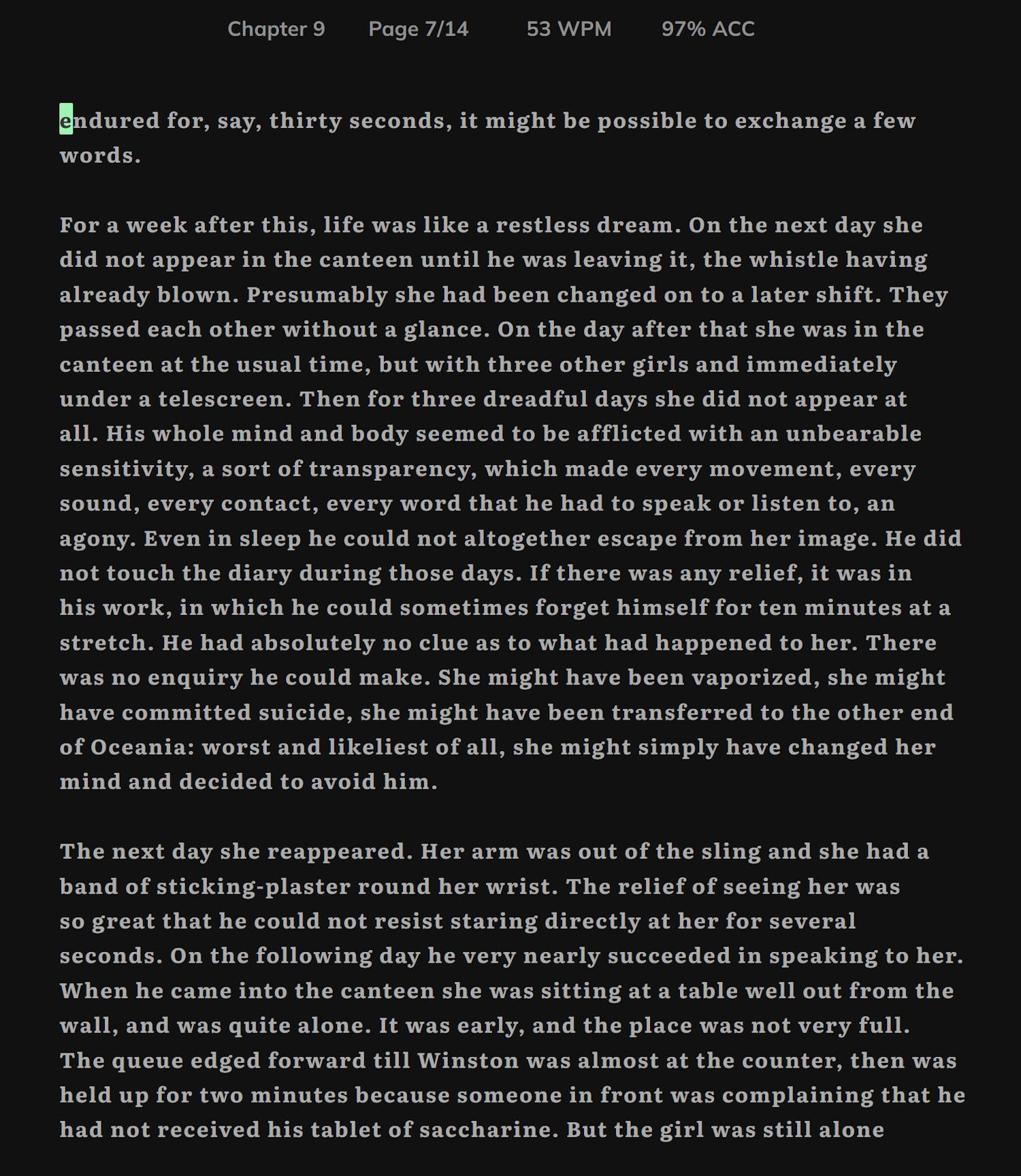
Which is a pretty good speed increase, especially considering that i couldn’t type for the first 7 days of that due to me slicing the end of my thumb half off with a Stanley knife. It had a big chunky dressing covering it up making it impossible to hit any of the thumb buttons on the left side. Then once i got the dressing and Steri-Strips off, after the first week, the thumb took a few days longer before it felt under reasonable control again.
The other thing to consider in the speed difference between using
Ergo, my jump from just under 50 wpm to 53 wpm, while quite a good achievement, clearly demonstrates that this new 5t4n5-48 Rev 1 keyboard is way faster than the original 5t4n5-48, because, while my typing is slowly improving over time, it’s not improving at the rate that this shows.
The accuracy in the
So next time you see someone on
Anyway, i’ll update next when i improve a bit more.
Bye for now!!!
#5t4n5 #colemakdh #mechanicalkeyboards #typelit #5t4n548 #keebs
Fiction

Nonfiction

Nonfiction